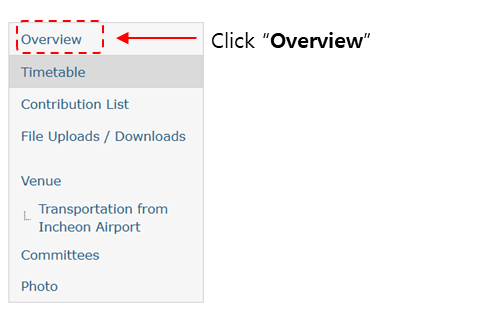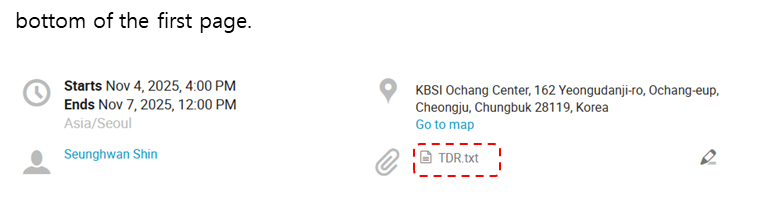
File Uploads (only for presenters)
To upload your presentation file, please follow the steps below:
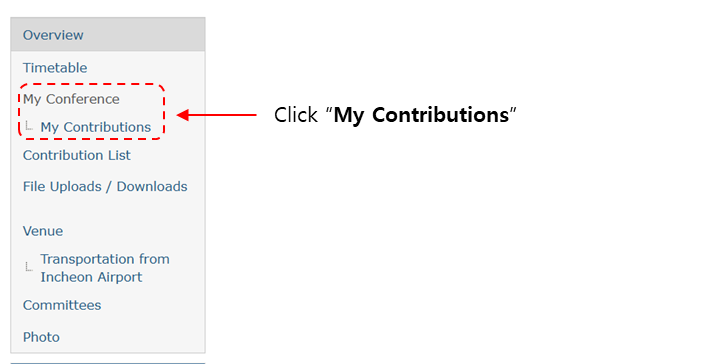
1. In the left-hand menu, go to My Conference → My Contributions.
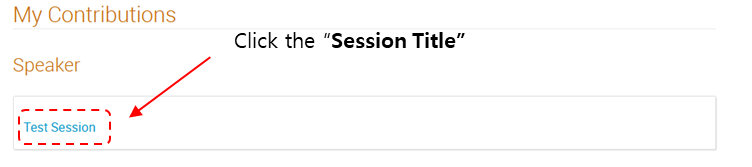
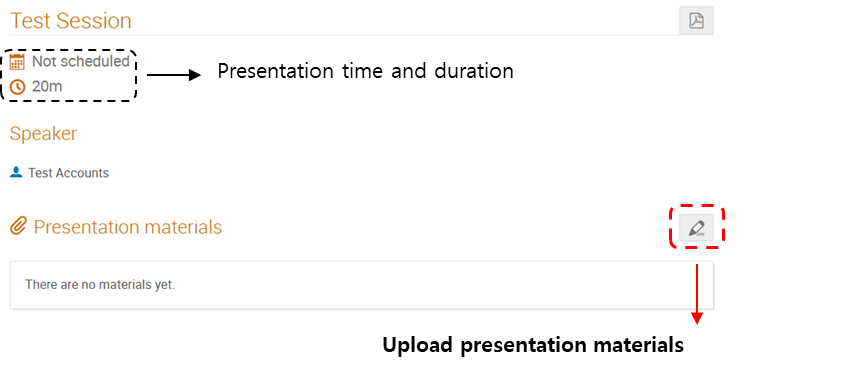
2. Click the Session Title of your presentation.
3. Under Presentation materials, click the red box to upload your file.
4) If you cannot upload your presentation
Please email ngw5756756@kbsi.re.kr with (i) your full name, (ii) your affiliation, and (iii) the email address you used to register on Indico. We will upload the file or enable the upload on your behalf and confirm by reply.
File Downloads
To upload your presentation file, please follow the steps below:
1. In the left-hand menu, go to Timetable menu.

2. Click the Clip Icon.

3. You can download the Technical Design Report file also.